Original Video
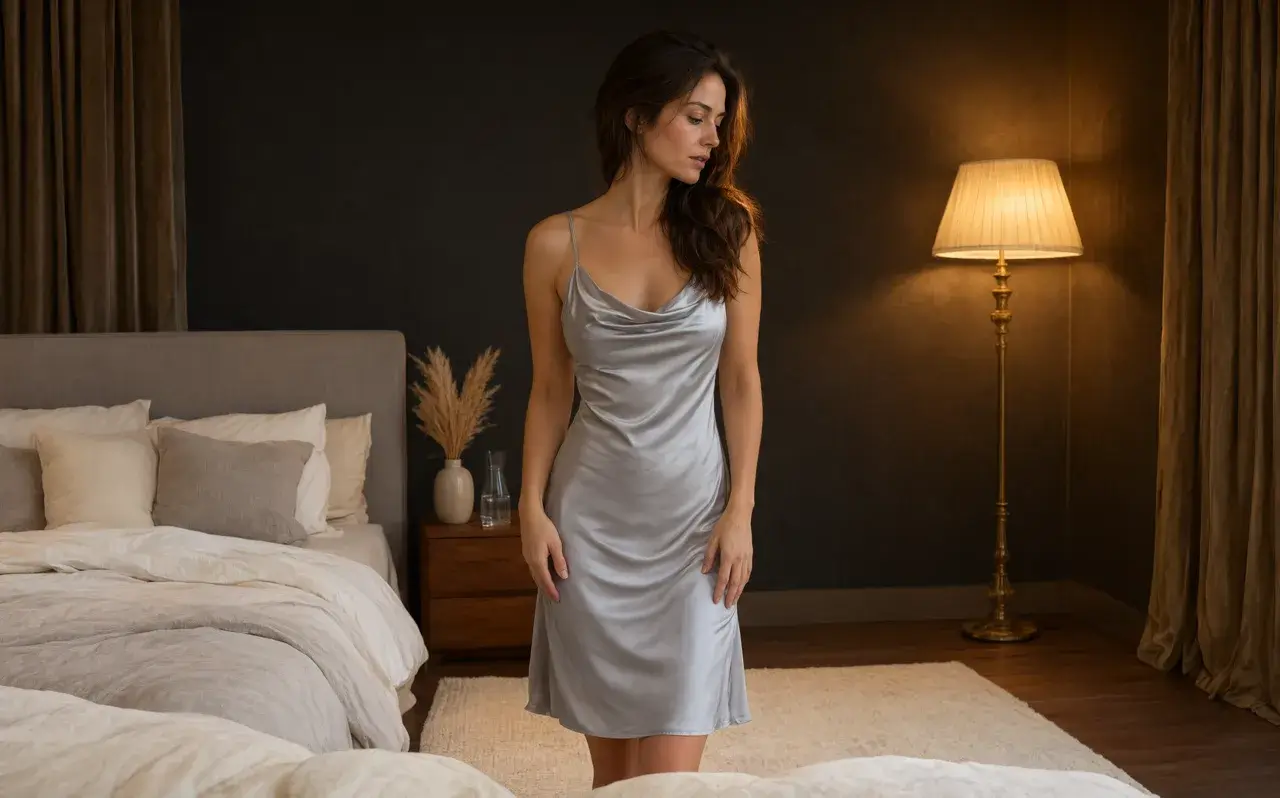
Prompt
Continue the portrait. She finishes turning toward the lens. Keep her face and the room.

Give your ideas a little motion
Start with an image, describe the movement, and explore your own creative direction.
Upload a video and write the next moment. An AI video extender makes it longer by continuing that shot, instead of starting a new one. You choose the extra time. The original clip stays the reference for faces, motion, and place. If you only have pictures, reference to video is the other page. This one starts from footage.
Continue the portrait. She finishes turning toward the lens. Keep her face and the room.
Make it longer when the ending arrives too soon. The extension is new seconds on the same scene, not a resized file.
Upload the original video. The next seconds belong to that shot. You do not install an app to extend the length. This page is the upload.
Upload a Video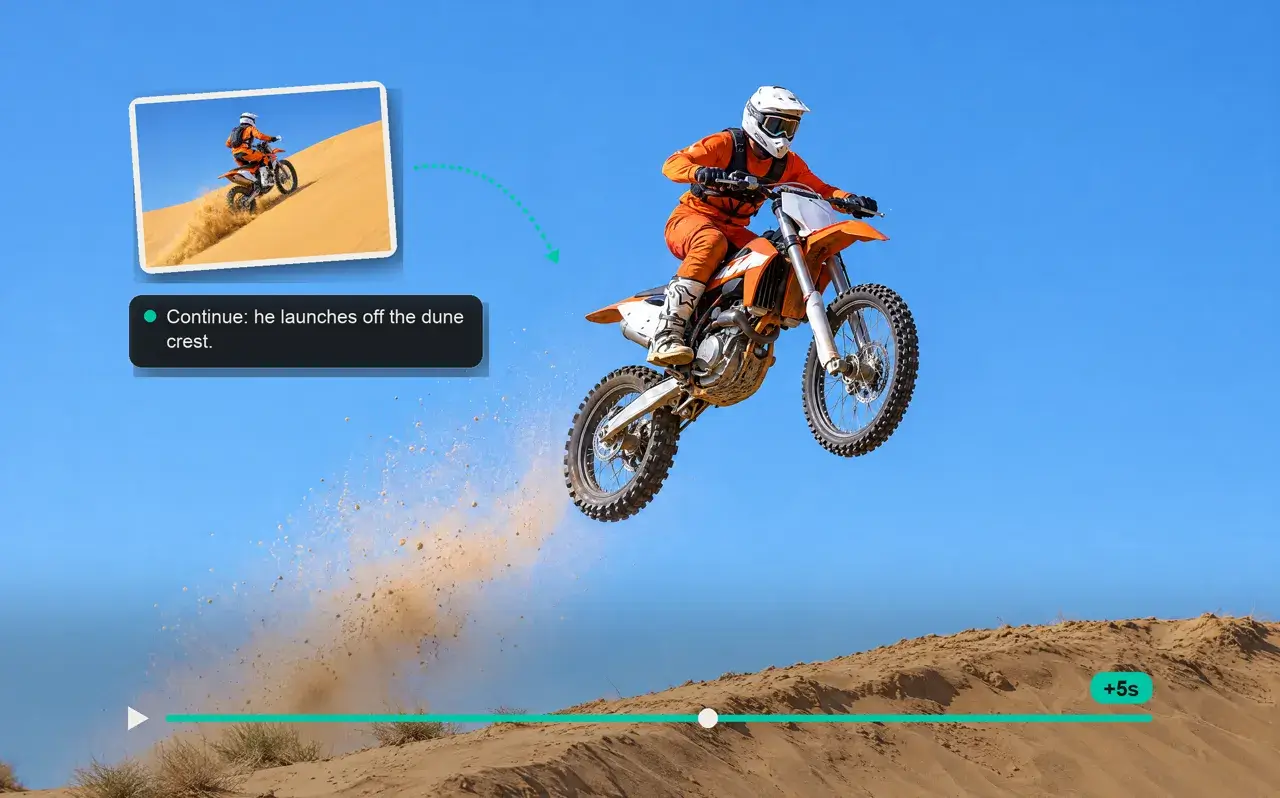
Write the next action and the camera. An AI video continuer uses that sentence for the extra time. Extend the scene, or extend the clip, by saying what should happen, not by asking for a new story.
Describe What Happens Next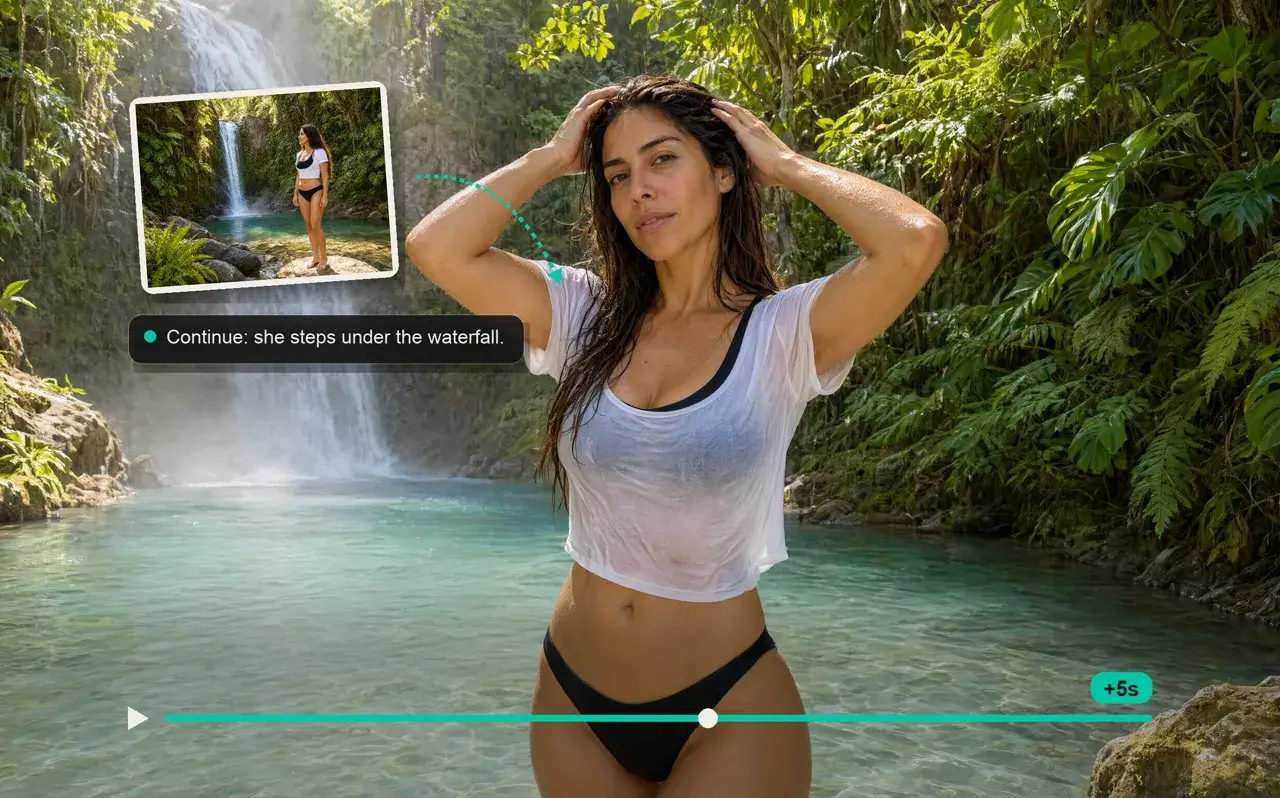
Extend video duration and extend video time are the duration control. Resolution and audio come from the model. This does not upscale to 4K, and it is not a file-size expander. People also call the job an AI video expander. Here it means more seconds.
Set the Duration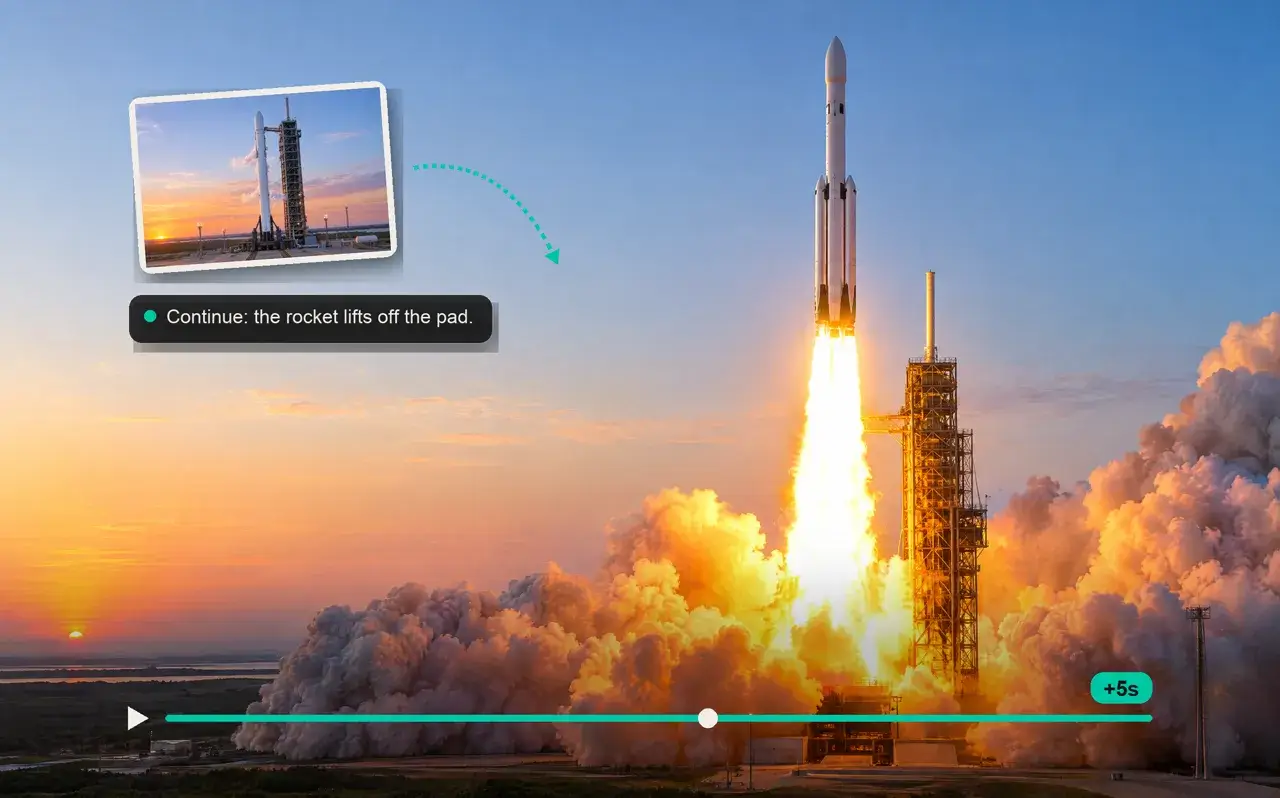
Extend a video clip when the current ending is too short for the story, the ad, or the place.
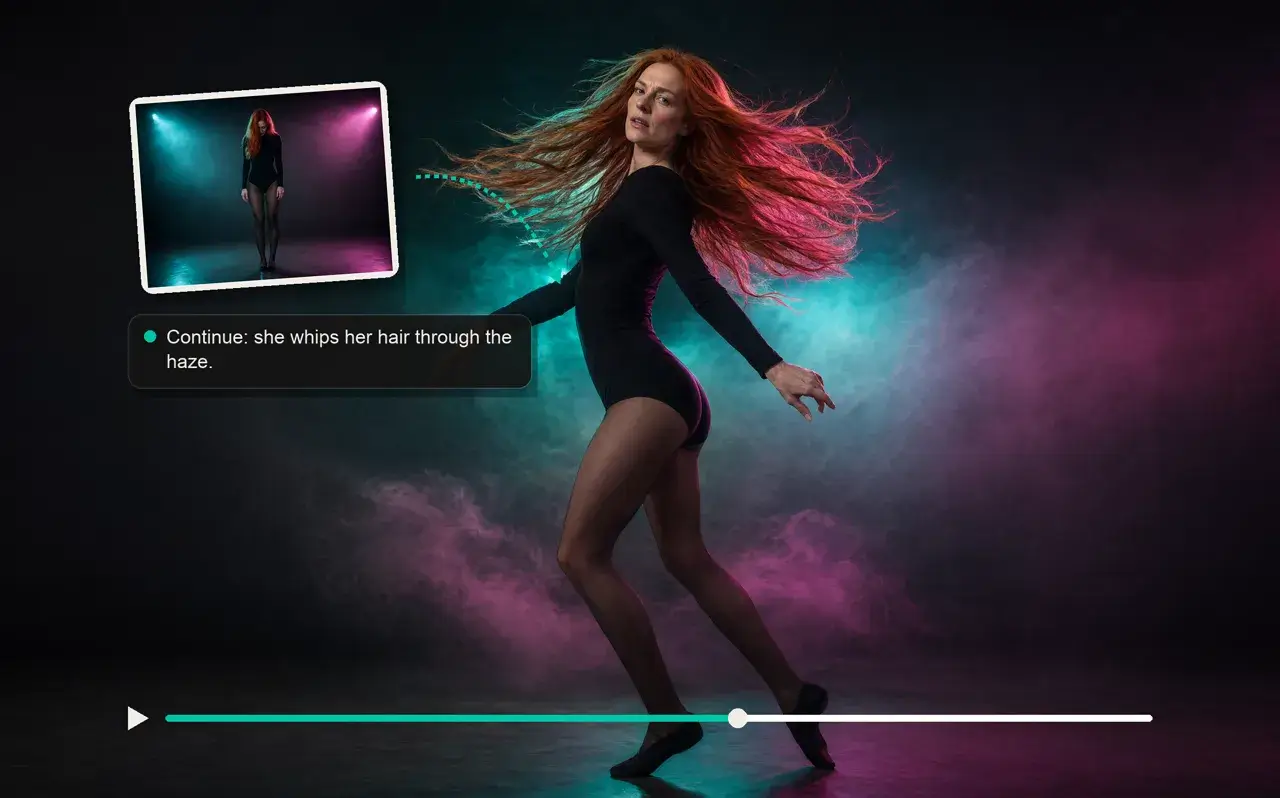
Extend a portrait so a glance or a slow push can finish, instead of cutting off mid-motion.
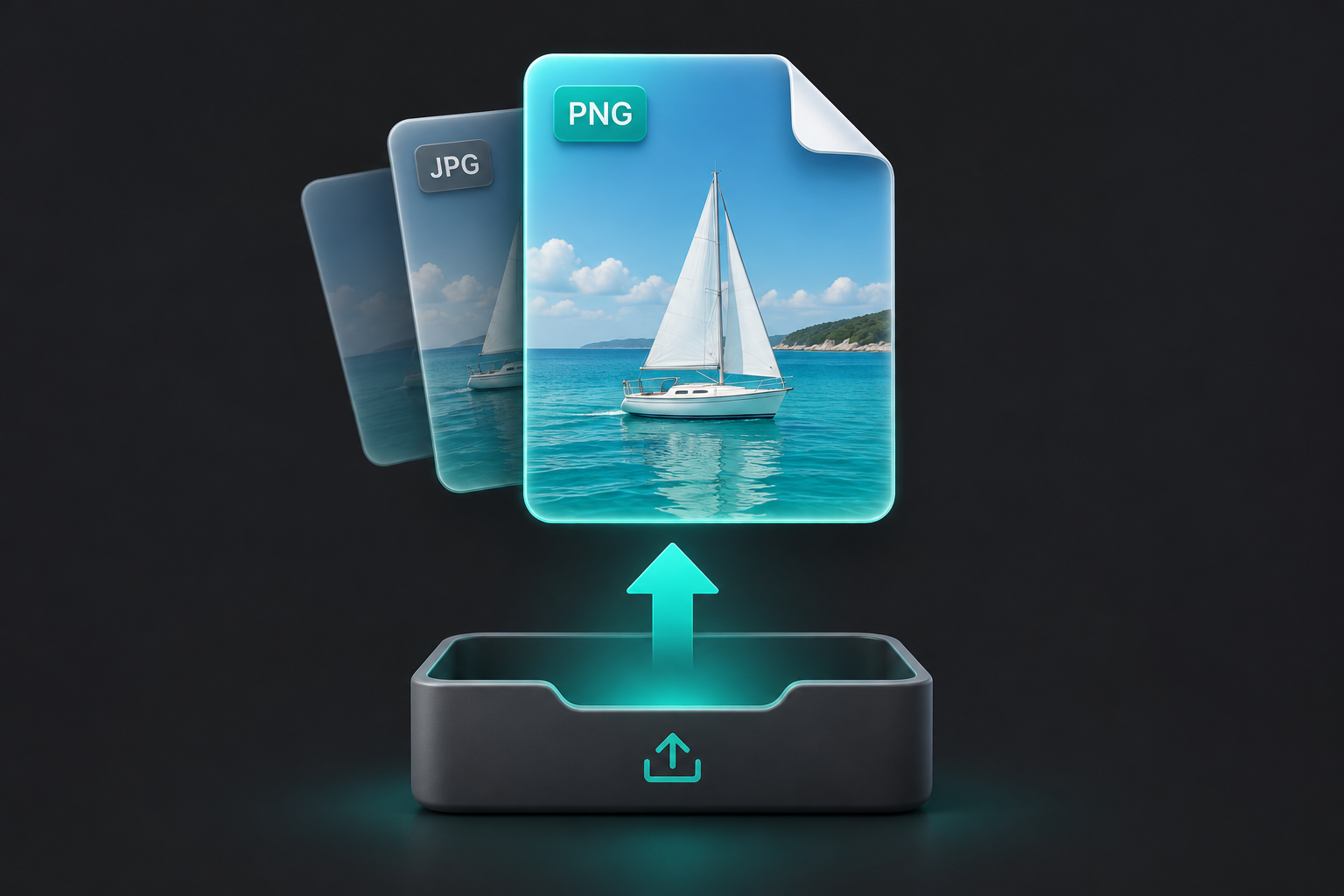
One clip. It is the footage the extension has to follow. You can add it before you sign in.
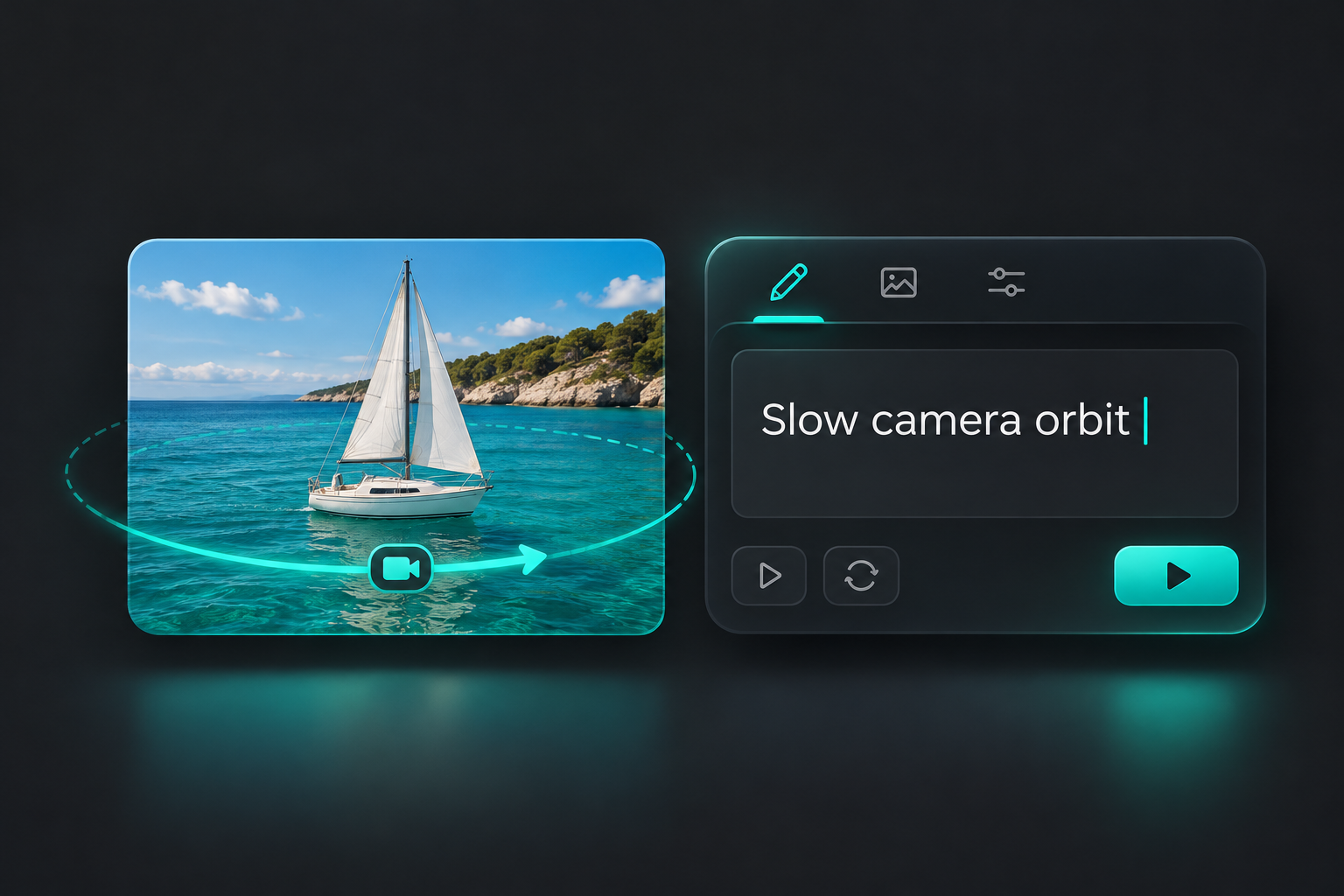
The action, the camera, and what must stay. A video continuation AI is only as specific as that sentence.
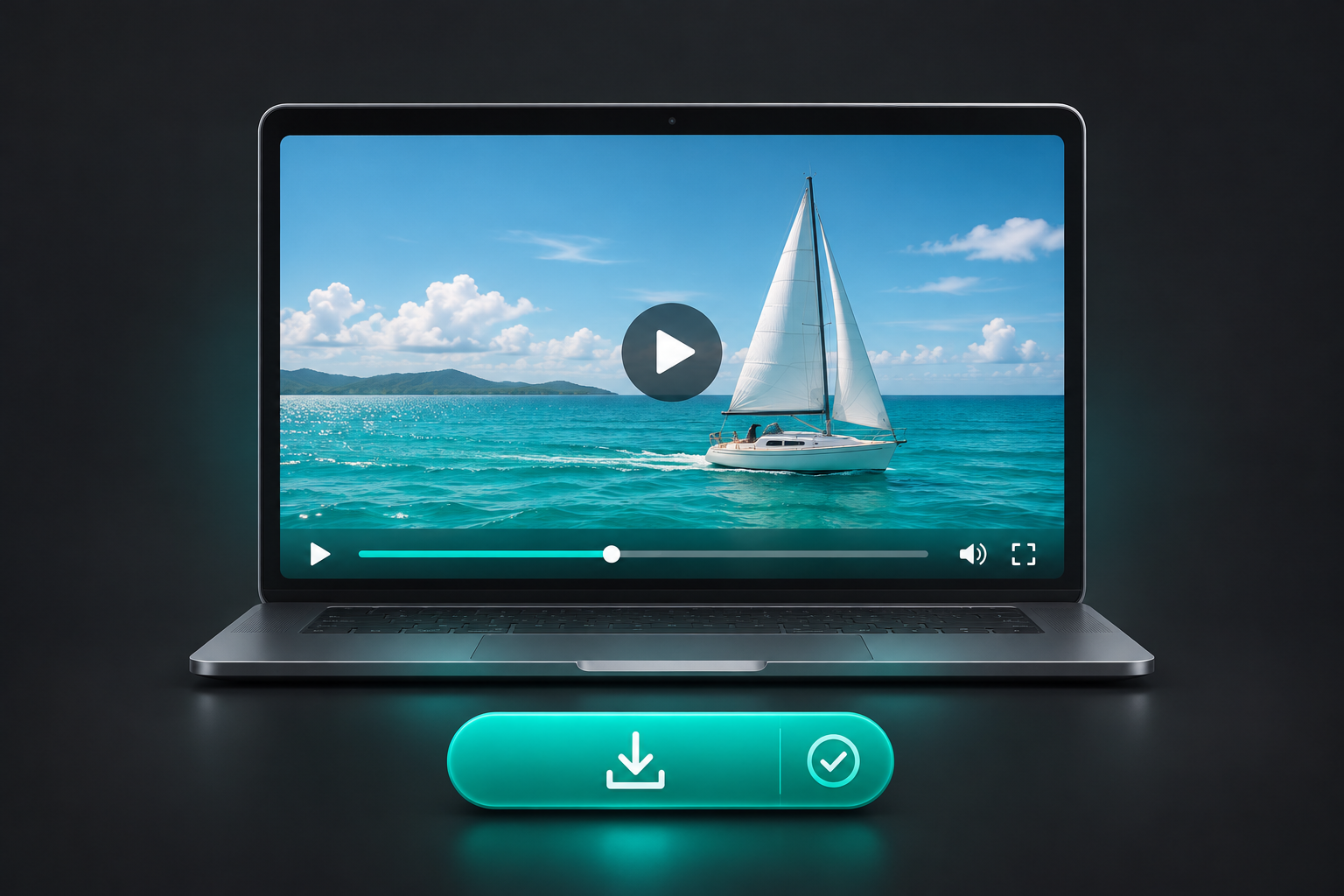
Set the duration, generate, and watch the longer cut. If the new seconds drift, tighten the sentence and run it again.
Make a video longer, or the clumsy "make it more long", was the same wish. I wanted the video longer. I was not looking for an AI video size extender.
Video extender AI and expand video AI both came up. Video frame extender AI was more name than I needed. I set the extra seconds on the same shot.
Extend length was the control I used. AI video expansion meant more time on the shot. It did not turn the file into 4K.
I looked for a free AI video extender and a way to continue a short clip. I wrote the next moment before I signed in. Extend live was not the feature I wanted.
Best AI for long videos brought up Kling extend video and a ComfyUI extend video graph. I uploaded my own clip and continued the scene.
Duration, signup, scene continuations, and how this differs from a Grok or Kling extender.
It continues a video you already have. You upload the clip, describe the next moment, and generate extra seconds that follow that footage. More time on that shot is the whole request.
You can upload and write before you sign in. Some models include a free attempt. An AI video extender free no sign up run is that marked attempt. After it, you pay the credits shown for the duration you set.
Yes. Upload the clip and write the next moment, such as a glance finishing, a pour playing out, or the camera holding on a view. Each model applies its own content rules and can decline a request. The extra seconds follow the footage you started with.
No. If you searched for Grok, Kling, or ComfyUI extend video, this page does the same kind of job with the models in this studio. You upload your clip and continue the scene. It is not those products, and it will not make a 4K upscale.
Reference video to video AI is for several files you point at with @. Extend starts from one clip and adds time. The uploaded video is the reference for the extra seconds.