Original Image
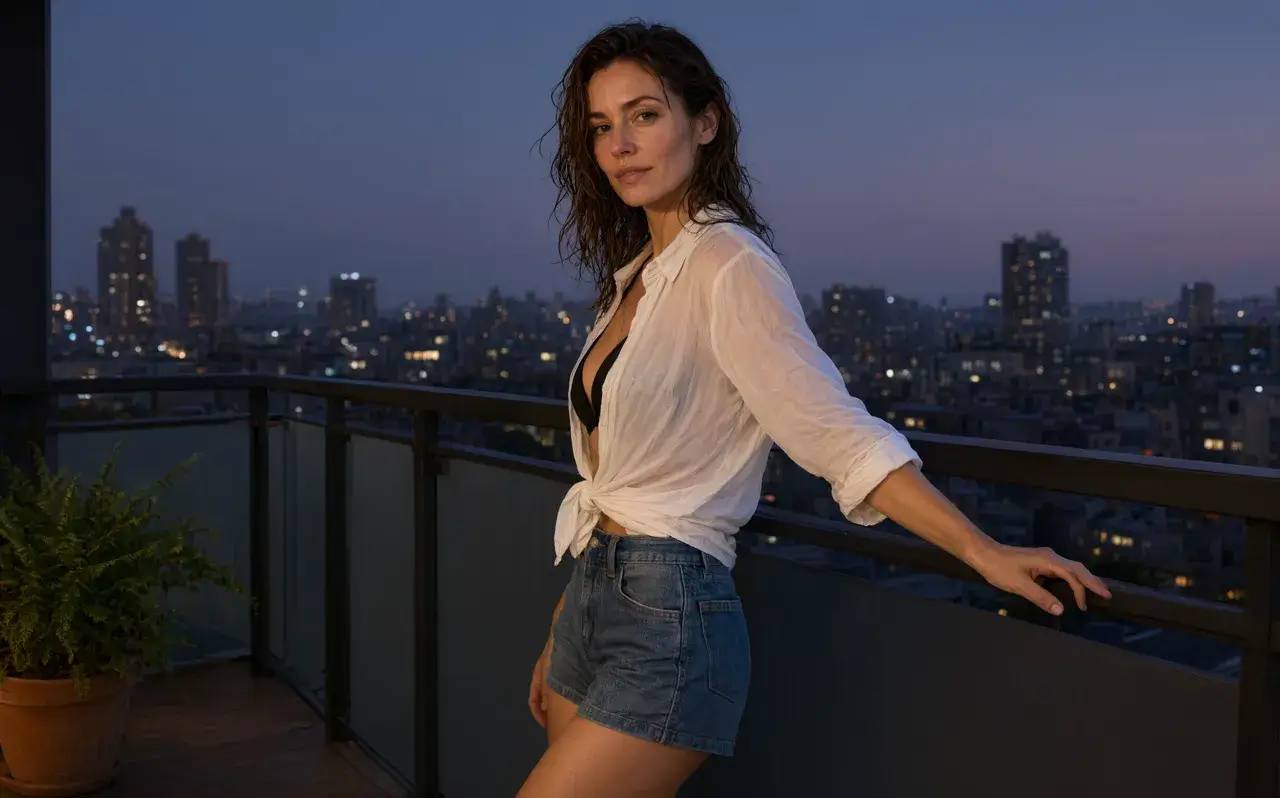
Prompt
She looks back over her shoulder, her hair shifts in the breeze, and the camera eases closer. Keep her face and the balcony.

Give your ideas a little motion
Start with an image, describe the movement, and explore your own creative direction.
This page is the image to video maker. Upload one photo, write the motion, and preview the clip. You can do that without login, and there is no signup wall in front of the prompt. There is no list of preset moves: you write the motion in plain language. Describe a turn of the head, a product moving toward the lens, or a slow camera push. Each model applies its own content rules and can decline a request. If the run is free, the button says so. It is not an unlimited free plan.
She looks back over her shoulder, her hair shifts in the breeze, and the camera eases closer. Keep her face and the balcony.
Artificial intelligence image to video starts from a picture you already have. The AI video maker and the AI video creator on this page are the same control: one still, one prompt, then the length and resolution that model offers.
There is no menu of moves. Ask the person to walk closer, keep them still while the camera pushes in, or describe a turn of the head in plain language. Image to video starts from that sentence on the still you uploaded. Each model applies its own content rules and can decline a request.
Write the Motion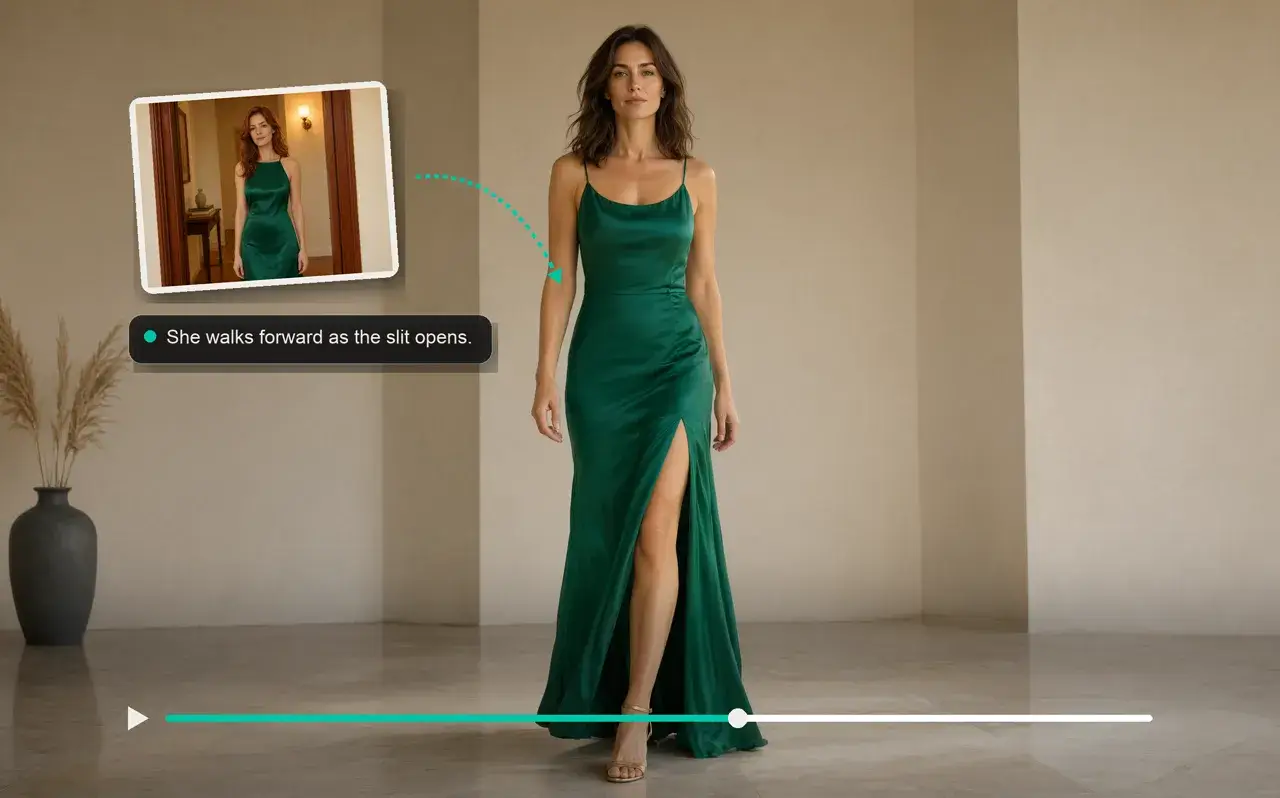
Turn a photo into a video, or turn an image into a video, and add the picture before you create an account. A free attempt applies when that model shows one on the button. Otherwise the credit total is the price. Add the image, then the sentence. You do not need a separate animator.
Upload a Photo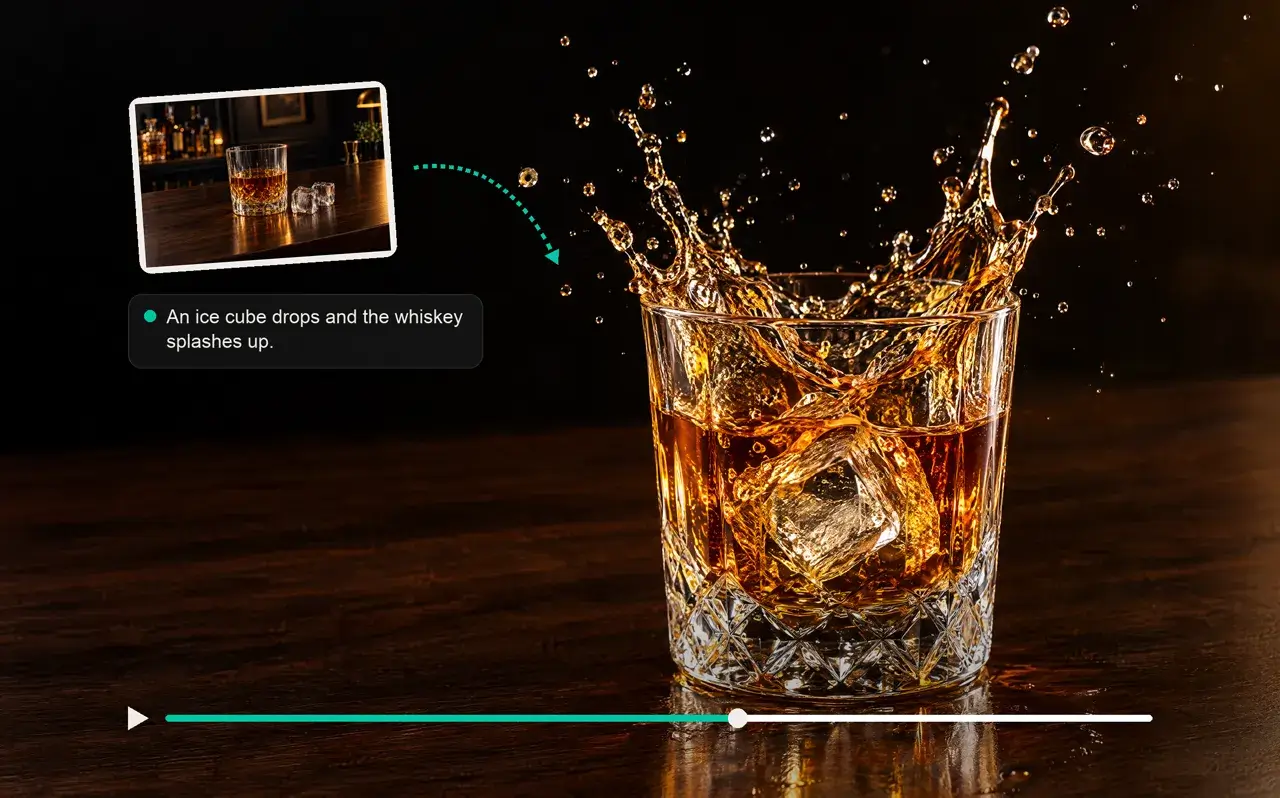
Length, resolution, output count, and audio come from the model you selected. This page is the AI video creator for that still. There is no ComfyUI graph to assemble. You upload, write, and generate here.
Check the Settings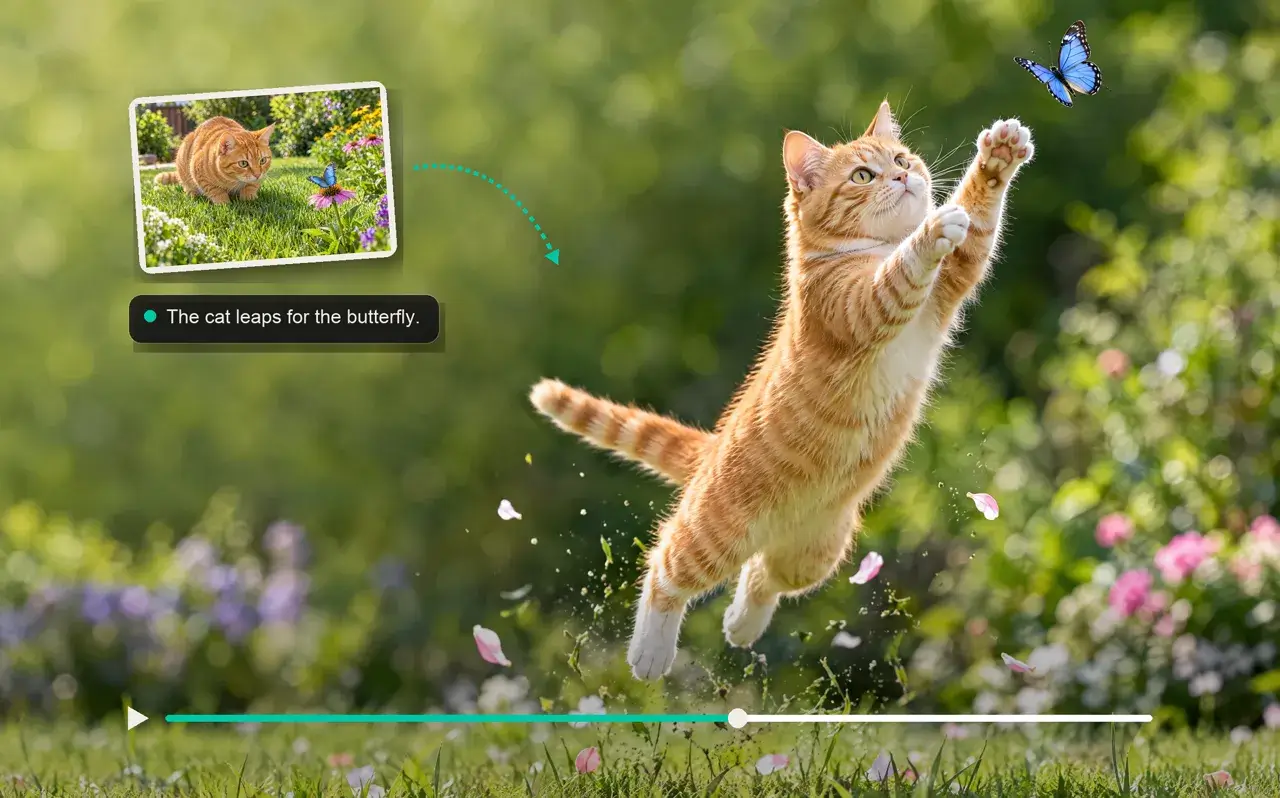
The still is the opening frame. The sentence is the motion.
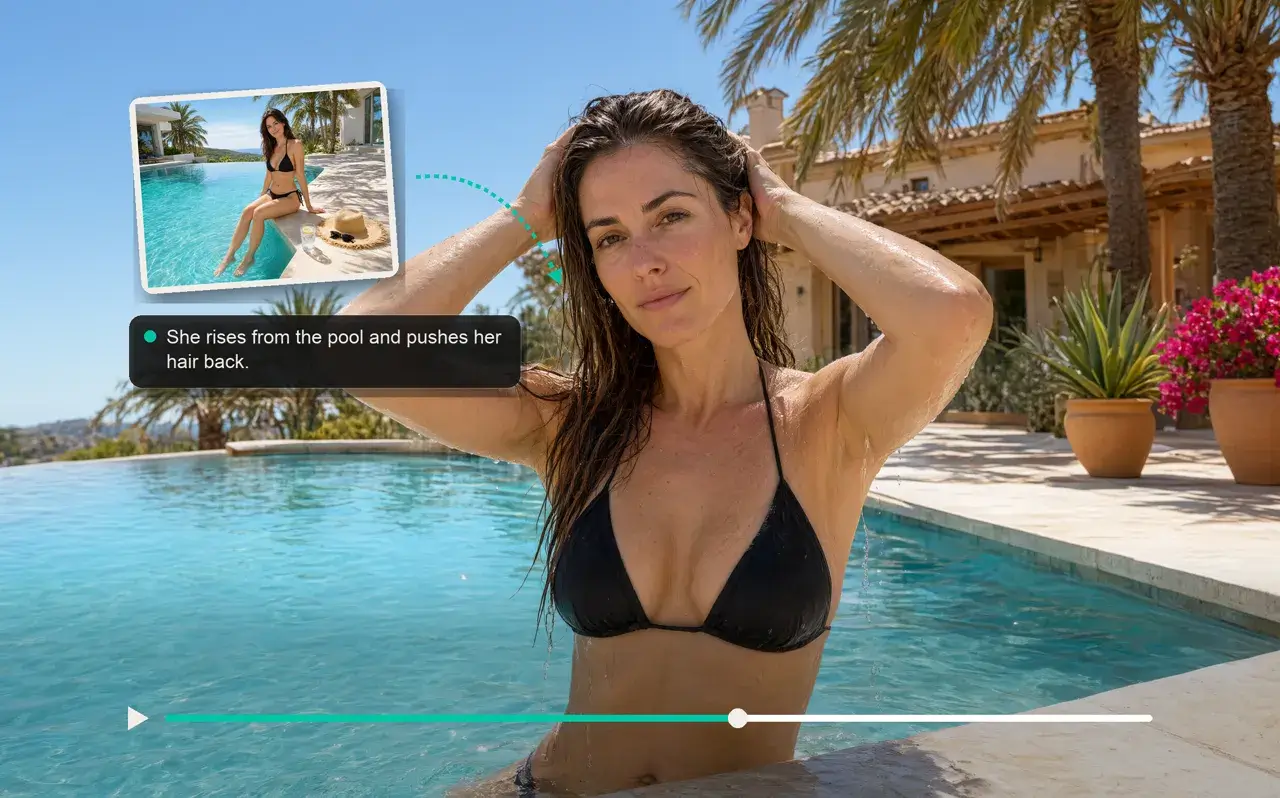
Make someone in a photo rise from the water, push back their hair, or turn their head. Keep the person in the picture, and write the action in plain language, such as a slow look back toward the lens.
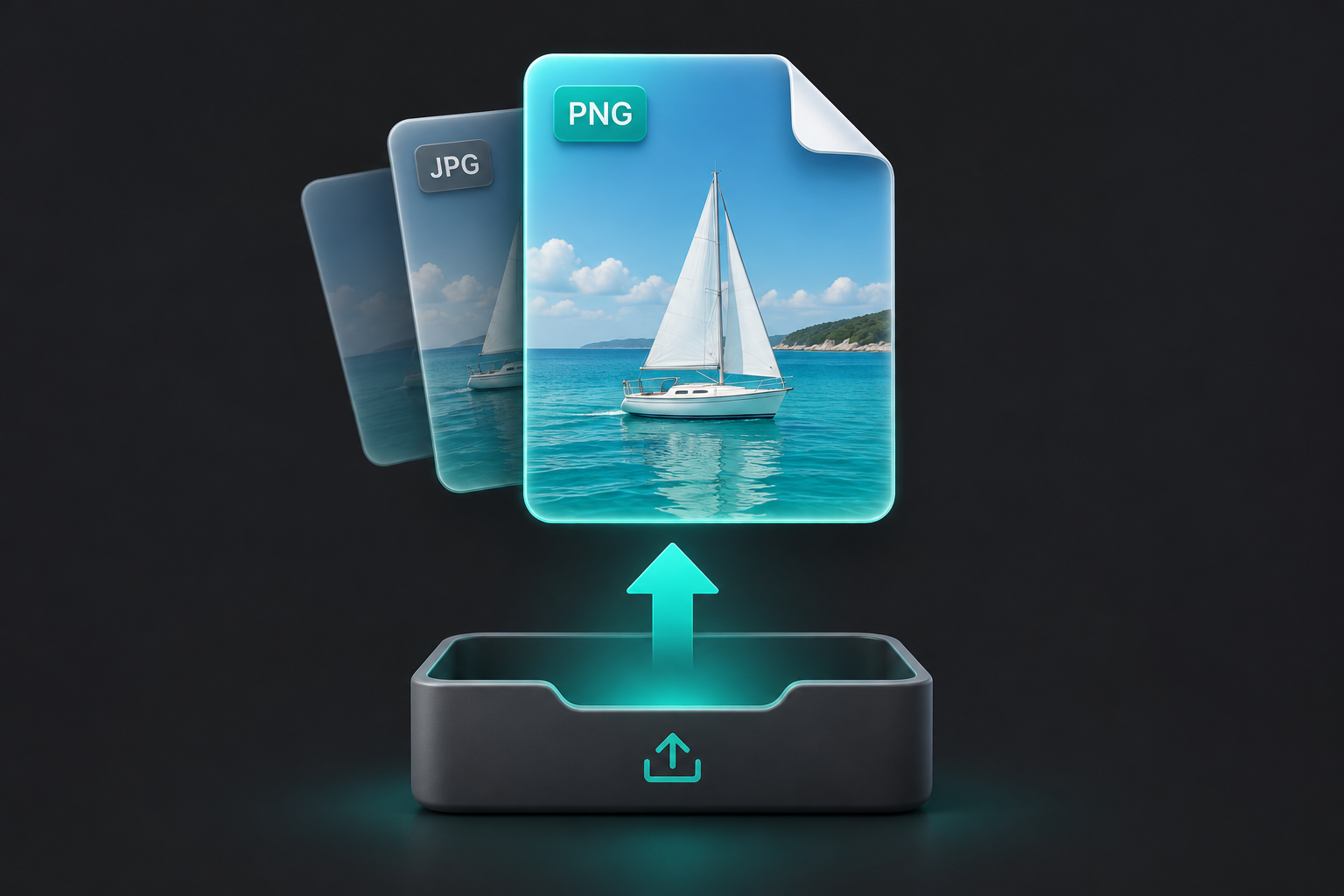
A portrait, a product photo, an illustration, or a landscape. PNG, JPG, or WEBP. A clear subject gives the model something to keep.
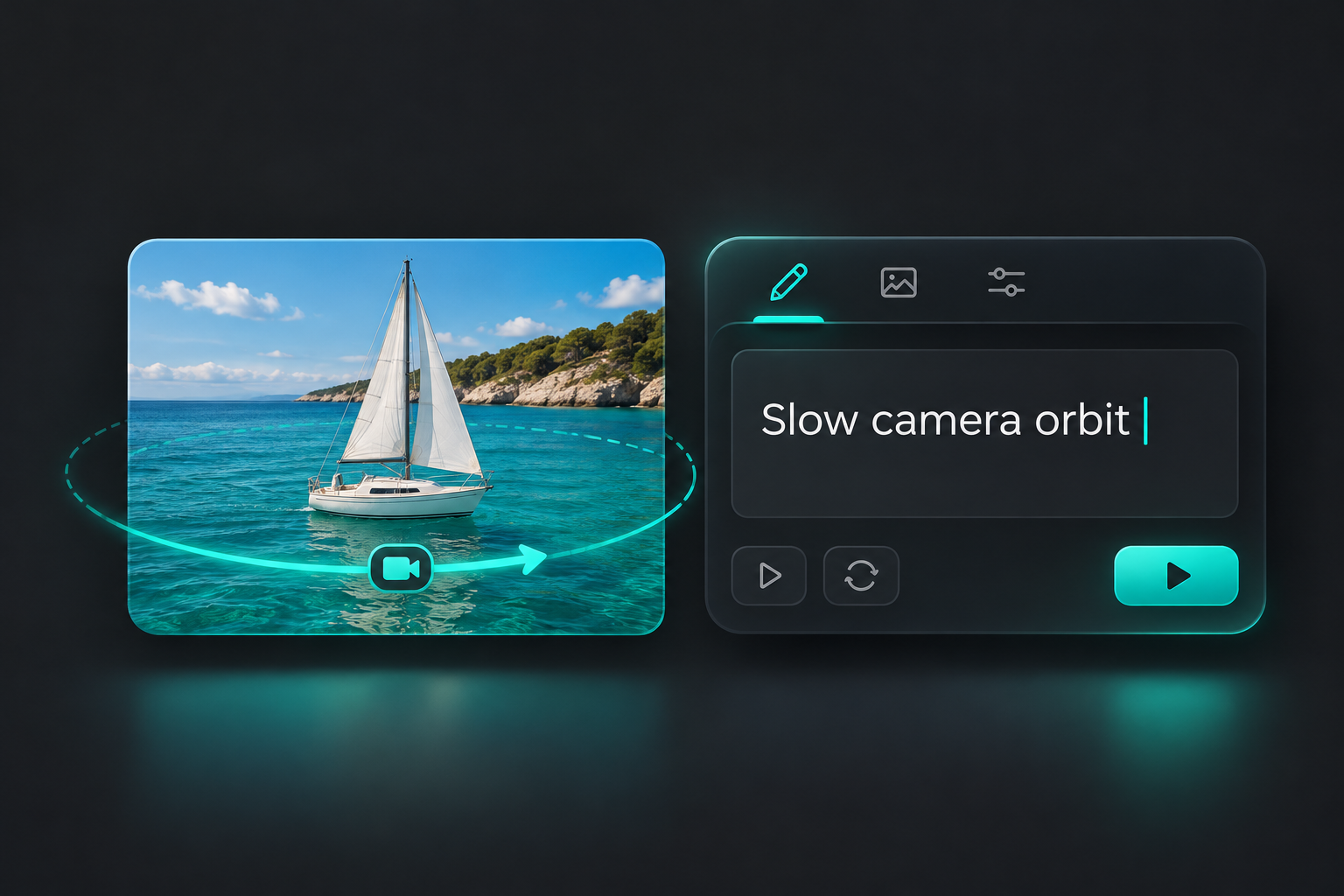
One action, then a camera move if you need one. A push-in, an orbit, or a turn of the head. You can type it without login and with no signup.
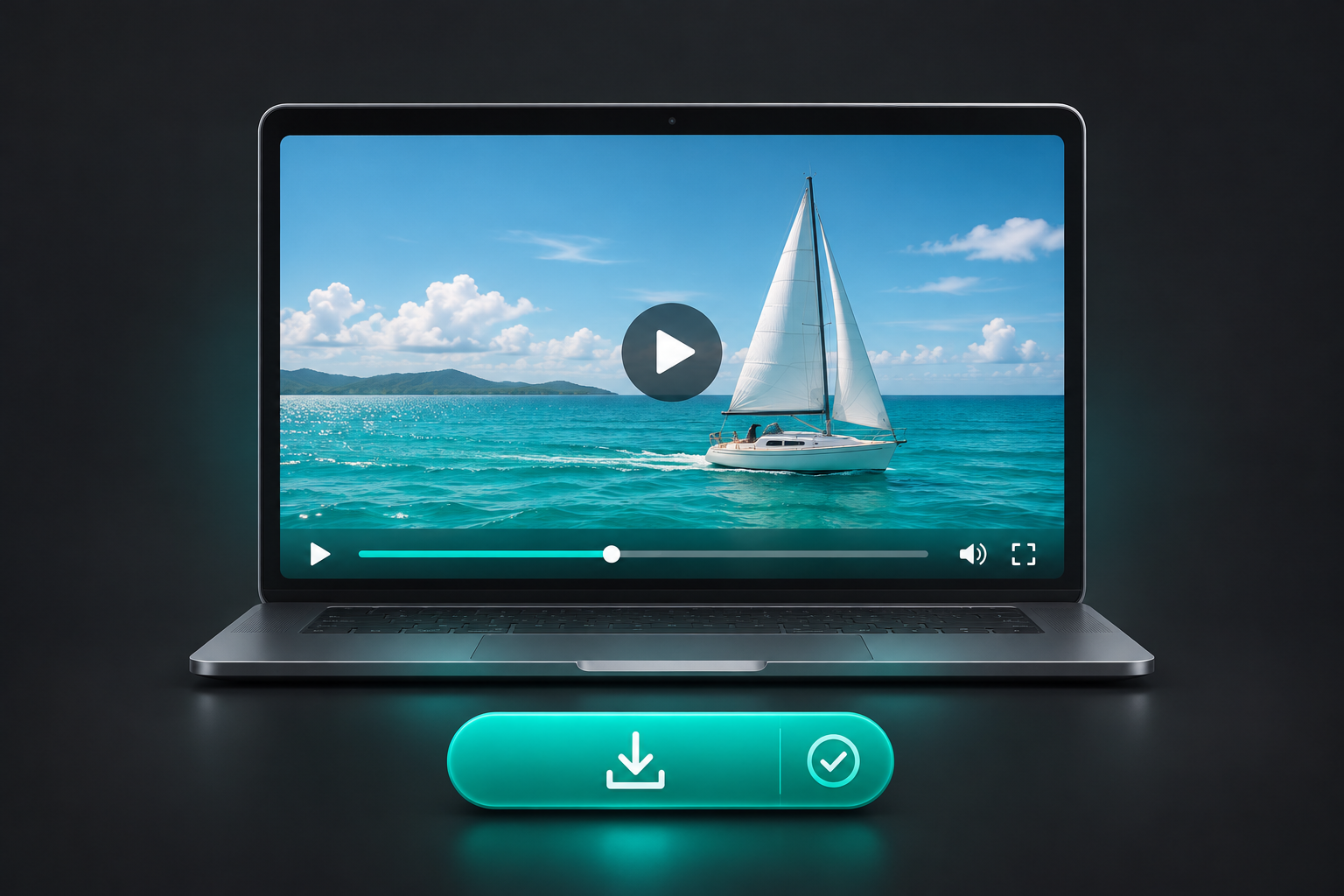
Pick the length and resolution the model offers. Watch the result on this page. Change the sentence and run it again if the motion is wrong.
Add image to video was the job I meant. I added the pic to video, wrote a slow push, and left the bottle alone.
Photo to video AI is what I had typed. AI image to video was the same upload. I wrote a slow head turn on the portrait, and the sentence was the whole motion.
I had searched AI video generator free. The first run on this still was marked free. The next one showed the credits before I clicked.
I used to open a ComfyUI image to video graph for a blink. Create AI videos here was the picture plus one line. I uploaded the scan and wrote the motion.
AI image to video meant I was not picking a preset. I asked for a slow orbit around the same person, hair moving as the camera pushed in. Image to video was the search I had used.
What you can upload, what you can write, and what a free attempt means on this page.
It makes a short video from one still plus the motion you write. This page is that tool.
You can upload and write with no signup and without login. Some models include a free attempt, and the button says so. Further runs use credits, and the credit total shows before you generate. A free attempt is not an unlimited free plan.
No. Upload the photo, write the motion in plain language, and generate on this page. Length, resolution, output count, and audio stay visible on the model you selected. There is no node graph to assemble.
No. Add the picture and write first. Sign in when you generate a result that spends credits.